Resources
Cheatsheets, guides, and checklists to help you get started fast, no gatekeeping.
Click here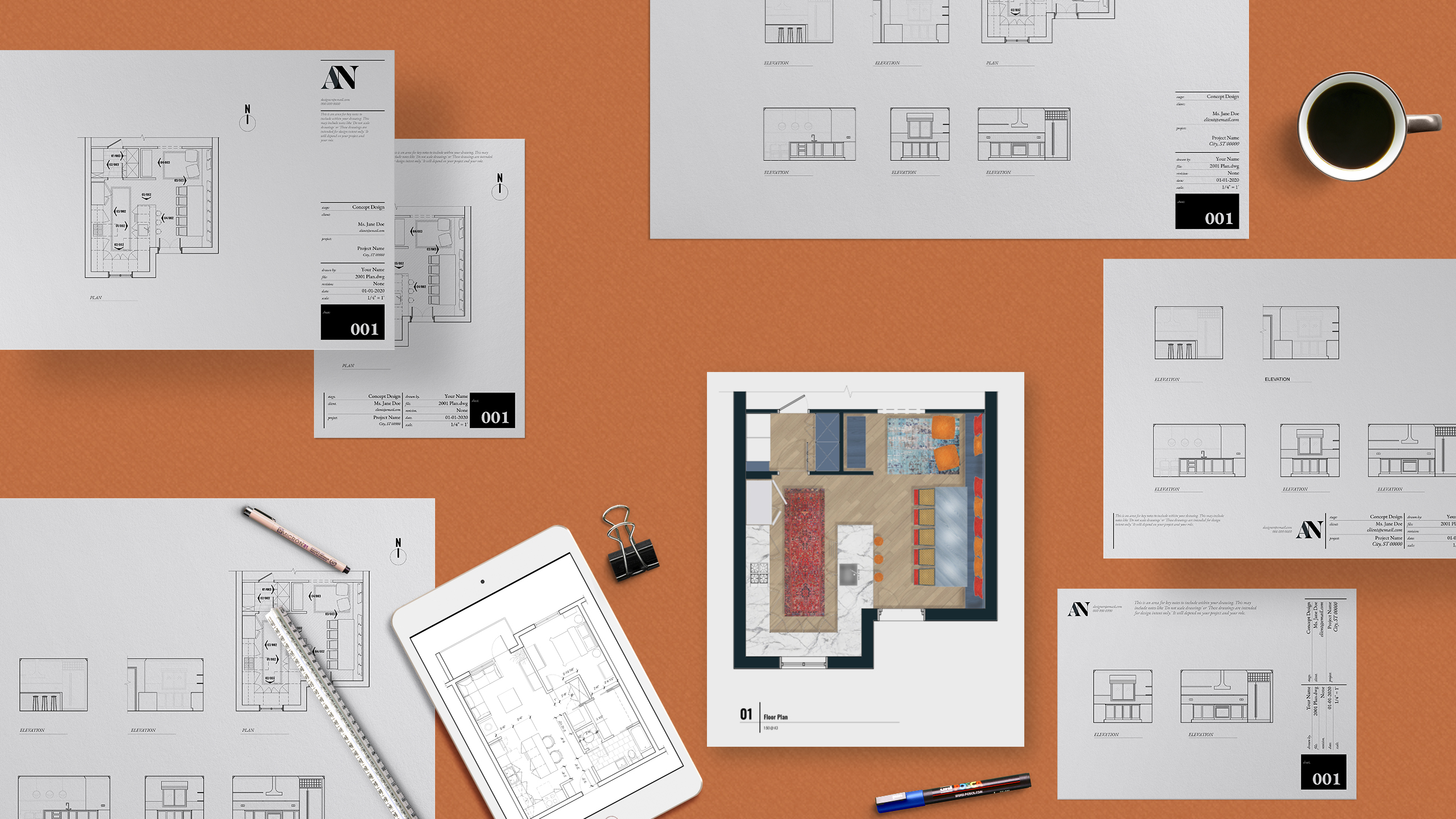
You don't have to figure it out alone
Learn AutoCAD, SketchUp, and the digital workflows that make you faster and more confident, without the tech overwhelm or late-night Googling.
Explore Courses →You're in the right place if:
But the tech side? Not exactly your happy place.
Sound familiar? You're not alone, and you're not behind.
Let's fix that.
Whatever stage you're at, there's a faster way to work: courses to learn it, templates to speed it up, and free resources to get you started.
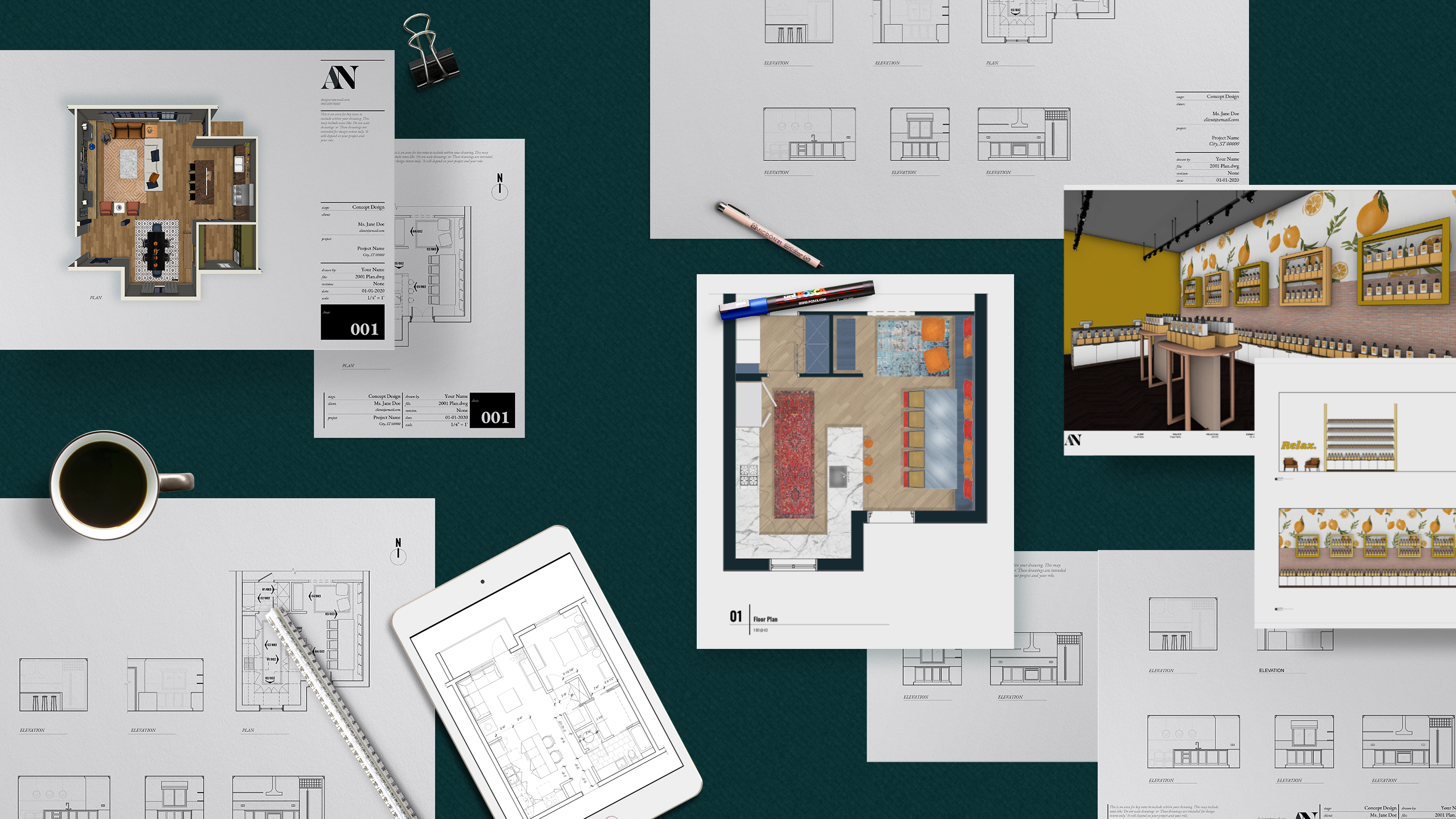
Cheatsheets, guides, and checklists to help you get started fast, no gatekeeping.
Click here
Dedicated courses designed specifically to build your software skills as an interior designer.
Click here
CAD templates, title blocks, admin templates, and toolkits built specifically for interior design workflows.
Click hereFrom course students, template customers, and subscribers
"I wanted send a quick response to say that I am so grateful to have found your AutoCAD and Sketchup course! It has been an absolute game changer for me and my business and wanted to thank you for creating a well organized, easy to follow online resource for me. It's been a great investment for my business. I flew through both courses as soon as I purchased them! You made it so easy and fun to follow. I refer back to your course often and love having that extra support if I have trouble with anything."
Course student
"Saved me an enormous amount of time!"
Template customer
"I just wanted to reach out to express my gratitude for this course. I went to school for design and so I have a pretty solid base knowledge of things so I was a bit skeptical about how it might help me. I was so pleasantly surprised! I feel I have really benefitted from having an interior design-focused AutoCAD course. A lot of what I was taught at university focused more on the architectural side. I have learned so much from your classes and it has given me the confidence to be successful in my career change. Seriously, I cannot thank you enough! I will be recommending this course to everyone with an interest in learning more about the technical side of this field. Thank you for putting this together."
Course student
"Audrey Noakes is the official GOAT of Annotation Scale explanations"
YouTube comment
"OMG I AM OBSESSED! This is the classiest looking portfolio template ever. It transformed my work into something so beautiful. And it was so, so easy to use. I had never used Canva in my life, but downloaded it just to use this template, and I had no issues whatsoever with using and editing it. Would absolutely recommend and would buy from this shop again!"
Template customer
"It's been over a year since I last used AutoCad, and was having a hard time remembering some basics. You videos on these are so good and really get my brain going again."
YouTube comment
"I was incredibly rusty on my Autocad skills so I purchased the course to brush up on them. Instead, I found a whole new side of Autocad with many more tools I had never even encountered which I now use everyday and has sped up my work immensely. One of the great elements of the course is how it is structured. The lessons are laid out so clearly that you can always pop back if there's a tool you haven't used in a while and need a refresh. Would really recommend this course!"
Course student
"Recently gone freelance and this has helped me so much!"
Template customer
"Super duper big thank you for sharing how to do this! You explained this so clearly and at a good pace for me to understand. A+ tutorial."
YouTube comment
"Thank you so much! This is the first explanation that makes understanding annotative scales simple! You rock."
YouTube comment
"I taught myself the hard way, so you don't have to."
I'm a designer and award-winning educator who learned AutoCAD and SketchUp and all the design software the long, frustrating way: late nights, scattered tutorials, and a lot of guessing. I remember exactly how that felt. And I don't want to see any talented designers to feel discouraged or limited by their software skills. Software and tech skills are just one tool, and anyone can learn how to use a tool.
I focus on teaching these skills step-by-step, practically with lessons that actually apply to interior design. You got this.


Got questions?
It depends on what kind of work you want to do. I looked at over 1,600 interior design job listings, and AutoCAD came out as the most requested software skill by a clear margin, followed by Revit, SketchUp, Photoshop, and InDesign.
Here's how they tend to break down in practice: AutoCAD is your go-to for technical documentation, floor plans, elevations, and anything that needs to be precise. SketchUp is where 3D concepts and client-facing visuals come to life. Revit tends to show up on larger, more complex commercial projects.
For most interior designers, AutoCAD is the strongest place to start. It's the most requested, and it's the foundation a lot of other workflows build on.
Both work. Autodesk's tools are traditionally built with PC users in mind, but AutoCAD and SketchUp both run on Mac too, and I teach both platforms fully.
Here's the part that actually matters: I teach using typed commands instead of toolbar clicking, which means the exact same commands work whether you're on a PC or a Mac. So if you ever switch platforms down the line, you won't have to relearn anything. That's a deliberate choice, not an afterthought.
Not at all. This course was built with beginners in mind, and most students start with little to no AutoCAD experience. You don't need to have finished a design degree or years of practice, just a willingness to follow along one step at a time. By the end, you'll have the confidence to handle real project work, not just theory.
Yes, and this is one of the most common questions I get. A lot of students come in with some AutoCAD background from school or a related field, usually focused on architecture rather than interior design specifically. This course fills in the gaps that generic training leaves behind: the workflows, shortcuts, and standards that interior designers actually use day to day.
Free tutorials are great for learning one command at a time. What they don't give you is a system. This course is structured so each lesson builds on the last, specifically for interior design work, so you're not left piecing together fifty unrelated videos and hoping they add up to something useful.
I do. Alongside the courses, I sell CAD templates, title blocks, and other resources designed to save you time on the repetitive parts of the job. Many students use the course to build their skills and the templates to speed up their everyday work once they're up and running.
Start with my free resources. I've got cheatsheets, guides, and checklists to help you get a feel for how I teach, with no strings attached. When you're ready for more, the courses and templates will be right there.
I get why it feels that way. AI tools are genuinely useful, and I use them a lot too (including showing you some of my favorite use cases in my courses as well as have a dedicated AI tutor to help you with the courses as you work with them). But AI doesn't remove the need to understand AutoCAD or SketchUp, it just changes what you use that knowledge for.
Here's the reality: AI can help you generate ideas faster or clean up repetitive tasks, but someone still needs to know what a proper layer structure looks like, what a client actually needs in a construction document, and whether the output makes sense for the project. That's you. Designers have a professional responsibility for accuracy, precision, and applying their expertise effectively. AI is a tool that sits on top of this, not underneath it. The designers who'll do best over the next few years are the ones who understand both.
You're not on your own. Every course comes with Audrey 2.0, your customized, trained AI course tutor. Ask it a question any time, day or night, and it'll walk you through exactly what you need, in the context of the lesson you're on. It knows all the course modules, lessons, and resources, so it can help you quickly and with information related to how I teach.
If you run into something outside the course itself, like a purchase or login issue, I'm just an email away.
Happy to help. Send me an email at audrey@audreynoakes.com and I'll get back to you as soon as I can. For anything about an existing course purchase or login, that's the fastest way to reach me directly.